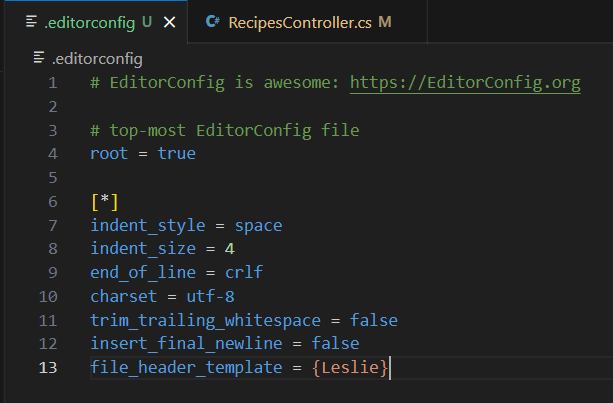
Formatting and Linting
You can format your C# source code using the C# Dev Kit extension, a lightweight extension to enhance your C# development experience in Visual Studio Code.
Navigate to File > Preferences > Settings (⌘, (Windows, Linux Ctrl+,)) to customize how your .cs files are formatted. The Settings editor gives you a list of different formatting options (particularly under Commonly Used and Text Editor) that you can adjust across your specific workspace or your entire user profile.
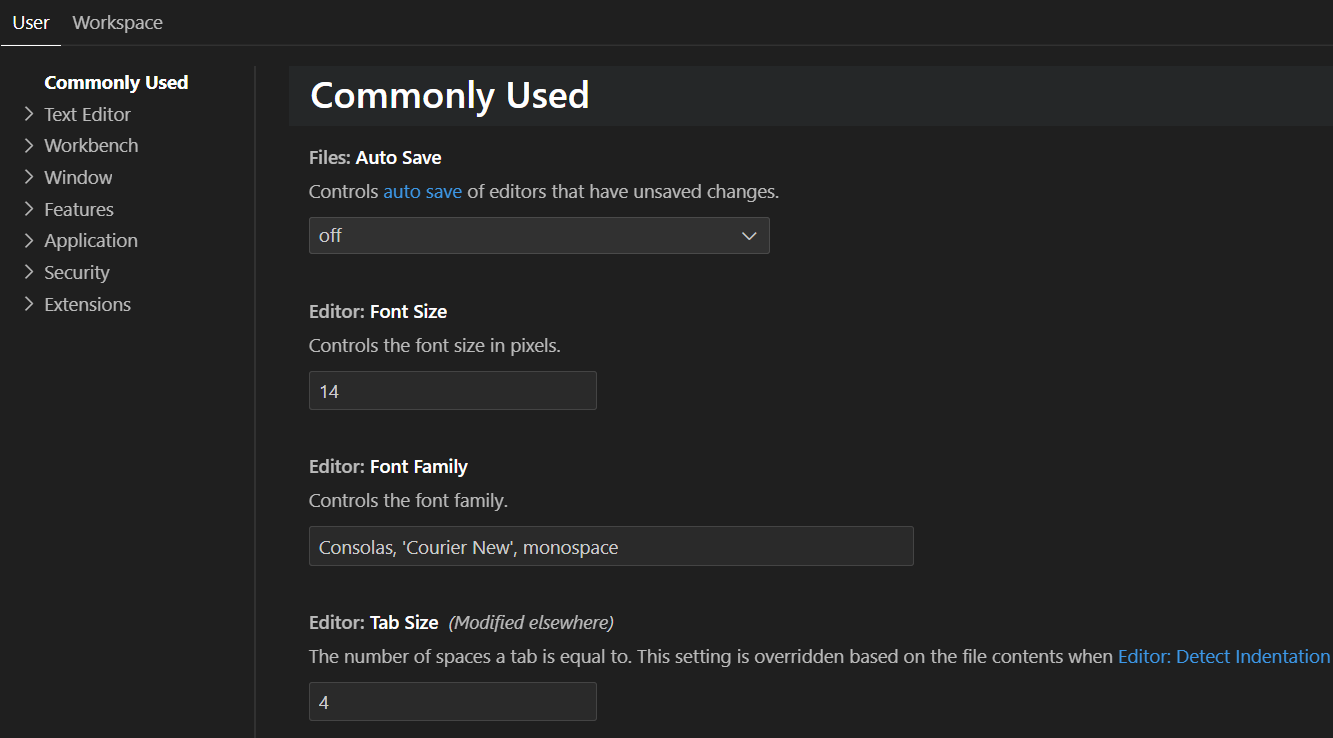
How to support EditorConfig with C# Dev Kit
EditorConfig (.editorconfig) files are supported with the EditorConfig for VS Code extension, letting you customize formatting options in your C# project. These files are also used to override the user/workspace settings with the settings you specify in them.