Editor Actions
Editor actions can appear in the editor toolbar. You can either add an icon as a quick action or add menu item under the overflow menu (...).
✔️ Do
- Show only when contextually appropriate
- Use icons from the icon library
- Use the overflow menu for secondary actions
❌ Don't
- Add more than one icon
- Add custom colors
- Use emojis
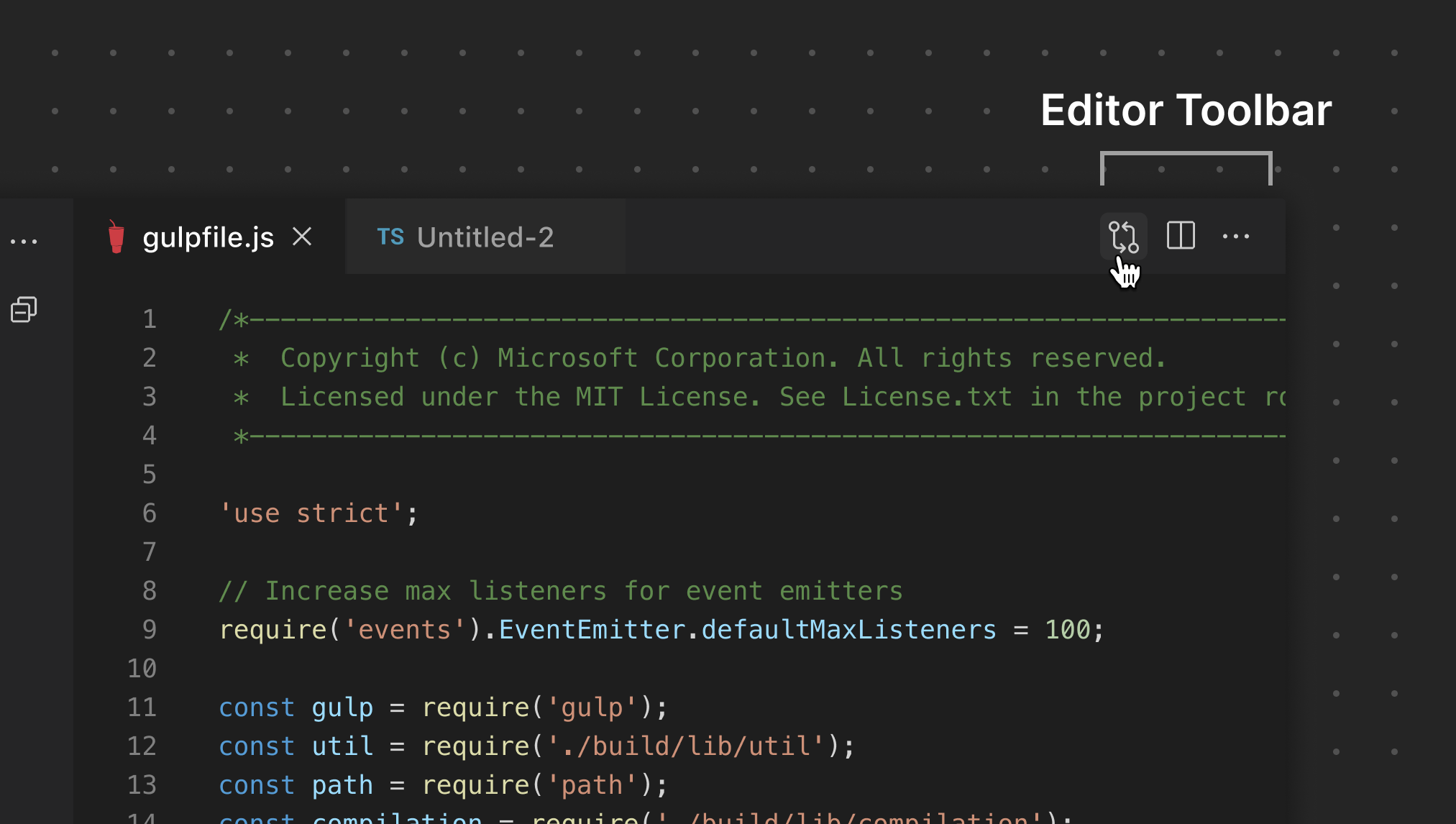
This example from the GitHub Pull Requests and Issues extension opens a diff view and only shows on files with changes.